Sheets Resume Builder Review: One Master Resume, Many Controlled Branches (2026)
Sheets Resume Builder turns one opinionated, recruiter-style resume into controlled job-specific versions, then lets members leave with PDF, Word, or Google…

Reviewing Sheets Resume Builder · Published · 17 min read
Opening
A resume builder can save an hour and still make the search worse. The usual failure is losing control of the source: one “final” PDF becomes six drifting copies, and nobody remembers which file contains the corrected facts.
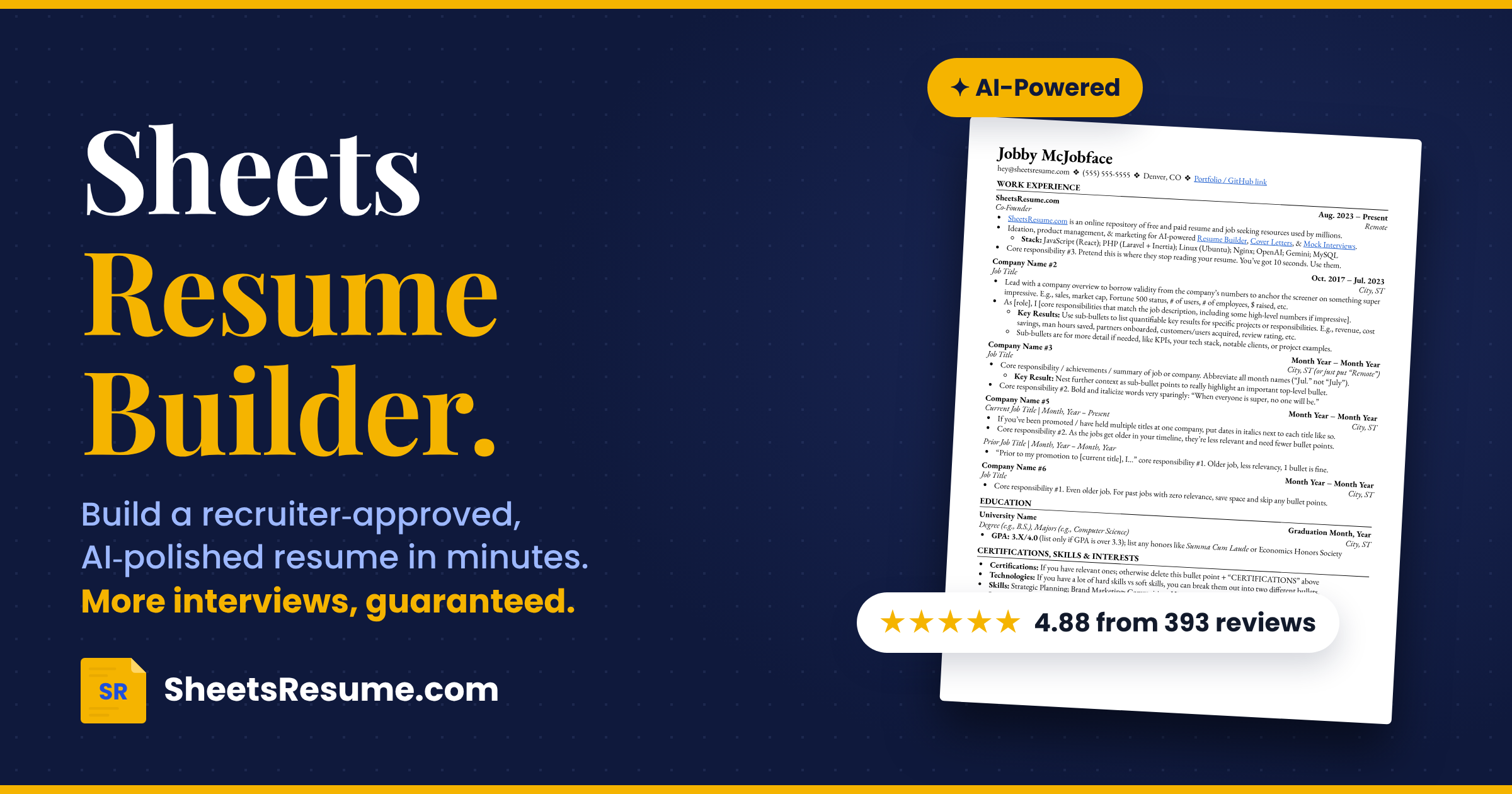
Sheets Resume Builder has a better organizing idea: make one master resume, branch it for a job, inspect each suggested change, then export a file you can keep editing elsewhere. The spreadsheet analogy is useful even though the current product is not a Google Sheets add-on. The valuable part is not cells. It is the discipline of maintaining a canonical record and creating controlled variants instead of rewriting from zero.
Sheets also makes a hard aesthetic choice: one restrained format rather than a gallery. Academic CVs, portfolio-led layouts, and local conventions can push against it.
The more serious trade-off is legal, not visual. The public Terms say submitted user content becomes the operator’s property and grants perpetual commercial, sublicensing, sale, and AI-training rights. The Privacy Policy says uploaded user content may be retained indefinitely. A resume contains names, contact details, employers, dates, and sometimes sensitive personal history. Read those documents before importing one.
On Launchpadly, Sheets Resume Builder is listed under Productivity, dated 2026-10-19, with the description “AI resume builder to create, tailor, and download unlimited resumes.”
Disclosure: This independent Launchpadly review is based on public pages examined in October 2026. We opened the public builder and reviewed the homepage, template, free builder, FAQ, About, comparison, privacy, and terms pages. We did not purchase access, export a finished file, submit an interview recording, request a refund, or measure interview outcomes. Product performance and success claims remain vendor claims unless stated otherwise.
Key takeaways
- Sheets is best understood as a master-and-branches resume system: import an existing resume or LinkedIn profile, or start fresh; name and save a master; duplicate or tailor it; accept or reject proposed edits; export to PDF, Word, or Google Docs.
- The product deliberately offers one recruiter-style format, not a design gallery. That removes formatting decisions and keeps attention on chronology, evidence, and skimmability, but it is a poor fit for candidates who need visual expression or a different CV convention.
- Public pricing spans $9 for 24 hours, $19 for one week, $39/month, and $99 lifetime. Users can build a full resume before payment; free alternatives include a Google Docs/Word template, a basic guided builder, and free cover letters with an account. Download entitlements should be confirmed at checkout.
- The trust limitation is substantial: public Terms claim full ownership of submitted content plus perpetual rights to exploit, sublicense, or sell it, including for AI training; Privacy says ordinary user content may be retained indefinitely. Anthropic or OpenAI may process imported resume text for structuring.
What is Sheets Resume Builder?
Sheets Resume Builder is an AI-assisted workspace operated by Colin McIntosh LLC. Founder Colin McIntosh describes himself as a former recruiter and author of a resume template posted to Reddit in 2018. The About page says recruiting colleague Nate later joined.
The name can mislead. It is not a spreadsheet editor, and public pages document no formulas, rows, data sync, or Google Sheets integration. “Sheets” names the original format. Exports are Google Docs, Word, and PDF; a basic browser builder is free.
Membership also bundles a cover-letter generator, typed and live-voice interview practice, LinkedIn updating, and an AI job-search tool.
Evaluation methodology
We reviewed the Launchpadly listing and Sheets’ homepage, builder, free builder, template, FAQ, About, comparison, Privacy, and Terms pages. The public builder showed a section-by-section form and guidance without sign-in at the first screen. We did not verify paid export fidelity, imported rewrites, voice latency, scoring, or one-page handling. User totals, review scores, interview improvements, job offers, salary changes, and usage counters are vendor-published, not independently audited here.
The product thesis: version control matters more than template choice
Most builders compete on decorative variety or a score. Sheets competes on removing choices and preserving a working master.
Tailoring is a data-management problem disguised as a writing problem. A candidate needs stable facts—employers, dates, degrees, actual responsibilities—and flexible emphasis. Sheets protects the former by preserving the master while changes live in a separate, reviewable version.
The model resembles branching code: master as source, job description as change request, tailoring level as diff size. The result does not overwrite the source.
AI prose is easy to obtain elsewhere. A boundary between canonical facts and role-specific presentation is harder.
End-to-end workflow
1. Choose the starting material
Sheets advertises three starting paths:
- Upload or import an existing resume
- Import from a LinkedIn URL
- Start from scratch
The public builder begins with personal details, then moves through work history and later sections. Explanatory copy gives blank-page users a writing guide.
The Privacy Policy says imported resume text is sent to Anthropic’s Claude to turn it into structured resume data; OpenAI is the fallback if Claude is unavailable. It says those providers do not train on the data under their commercial terms and may retain it for up to 30 days for safety or abuse monitoring. That provider statement does not override Sheets’ own broader rights and indefinite-retention language.
2. Build the master
The FAQ describes naming and saving versions, starting fresh, or duplicating the current file. The sensible first file is an untargeted master containing verified dates, titles, skills, and defensible results.
The format makes several choices for the user:
- One column, black and white
- Work experience before education for most experienced candidates
- No summary in ordinary cases; the FAQ makes exceptions for a career transition or long absence
- Sparse use of bold and italics
- Certifications, skills, and interests near the end
- A one-page preference and progressively less detail for older roles
These are recommendations, not universal hiring laws. Sheets calls its approach USA-centric and advises adjustment for local CV customs.
3. Edit by form, chat, or voice
Public pages say users can type in the structured builder, chat with AI, or talk while the product writes and edits. Explaining a project aloud can be easier than drafting its first bullet.
Speech does not make output true. Dates, scope, metrics, tools, and ownership still need human checking.
Sheets promotes a Human Score, framed around recruiter skimming rather than ATS keywords. Treat it as an editorial diagnostic, not proof that a recruiter or applicant-tracking system will advance the application.
4. Tailor without damaging the source
From the master, the Tailor action accepts a pasted job description and offers three settings:
- Subtle: conservative changes with a high relevance bar
- Medium: the default; reframes bullets with a genuine connection to the role
- Aggressive: broader truthful reframing, reordering, and emphasis where the candidate’s real background supports it
The system creates a separate version and presents changes for acceptance or rejection, encouraging review instead of blind trust in a full rewrite.
Aggressive mode can adjust titles “within reason,” reorder technologies, and expand relevant sections from real experience. Keep internal titles, dates, and evidence available. Reframing “Software Engineer” as “Front-End Software Engineer” may clarify one person’s work and misrepresent another’s.
5. Export and keep ownership of the working file
Sheets advertises PDF, Microsoft Word, and Google Docs output. Editable files allow final proofreading, a personal archive, and continued work outside the service.
The free template page provides Google Docs and Word versions for people skipping AI. Privacy-sensitive candidates can fill a blank copy locally instead of uploading a resume. Always verify line breaks, links, dates, bullets, and page count in an export.
Template and output analysis
One template is either the product’s discipline or its deal-breaker.
The upside is consistency. A conventional single-column document is easy to scan and edit, with no sidebars hiding chronology. It also keeps candidates checking claims instead of choosing colors.
The downside is treating one recruiting philosophy as broadly optimal. Creative, academic, research, medical, government, executive, and some international applications may require different pages, sections, narrative, or visual treatment.
The template is a strong default, not a universal standard. It fits conventional evidence better than design judgment or formal CV specifications.
Pricing and value
Public pricing observed in October 2026:
| Access option | Published price | Billing shape |
|---|---|---|
| 24-hour pass | $9 | One-time temporary access |
| One-week pass | $19 | One-time pass; an optional weekly subscription is also advertised |
| Monthly | $39/month | Subscription; cancel from the Account page |
| Lifetime | $99 once | Ongoing access to included tools |
Sheets requests payment after a complete build. Vendor comparison copy describes payment at download, so confirm the export gate and plan before paying.
Free paths include:
- Download the original Google Docs or Word template
- Use the basic guided free builder
- Build the paid-builder draft before deciding to purchase
- Create unlimited AI cover letters with a free account, according to the vendor comparison
- Email support to request a temporary membership for financial hardship
Discount copy varies by page. The FAQ names verified students, teachers, military, government, and healthcare workers. Treat checkout as the authority.
Which plan makes sense?
The $9 day pass fits a finished master and one focused export session, though rushing proofreading is risky. The $19 week leaves time to build and tailor. Three $39 months cost more than $99 lifetime, making lifetime the clearer repeated-use value if the live terms are acceptable.
The FAQ gives lifetime buyers 30 days for a no-questions-asked refund. Subscription refunds are accepted within seven days of the latest charge, limited to that charge. Pass refunds generally end with access; business charges are non-refundable. Requests go to [email protected]. We did not test the promised same-day handling.
Privacy, data rights, and trust
This is the section that should decide whether some readers use the AI builder at all.
The Terms say that by submitting content, users assign SheetsResume.com all rights, title, and interest in it. They further give the operator irrevocable, perpetual, worldwide, royalty-free rights to use, modify, distribute, publish, exploit, sublicense, or sell that content, including for AI development and training. The Privacy Policy repeats that submitted content becomes the operator’s property and says ordinary user content may be retained indefinitely.
That is much broader than the license needed to format and store a resume. It is awkward for documents mentioning employers, colleagues, clients, or confidential projects because users warrant they hold the necessary rights. Removing trade secrets and third-party personal data does not resolve the ownership clause.
The Privacy Policy offers access, correction, deletion, objection, and restriction requests through [email protected], subject to legal or contractual obligations. The public documents do not explain how deletion requests interact with the claimed ownership, perpetual rights, sublicenses, sold data, model training, backups, or indefinite retention. Privacy-sensitive candidates should ask that question in writing before uploading.
Interview practice has narrower handling. Voice audio streams to OpenAI and, Sheets says, is not stored. Interview records remain 12 months and free-answer counting records 30 days; earlier deletion can be requested. Optional survey comments remain until deletion is requested.
The policy also permits Sheets or partners to contact users about matching job opportunities, meaning professional information may support outreach.
Competitive context
Sheets competes against five different purchases:
| Alternative | Better when | Sheets is better when |
|---|---|---|
| Free Google Docs/Word template | You can write, verify, and version everything yourself | You need guided drafting and controlled job variants |
| Generic AI chat | You want open-ended writing and already manage files carefully | You want structured resume fields, a fixed format, and reviewable tailoring |
| Design-heavy resume builder | Visual style or many templates is a requirement | Choice reduction and conventional skimming matter more |
| ATS-oriented scorer | Keyword diagnostics are the main objective | Human-screening guidance is the preferred editorial lens |
| Human resume writer | Senior judgment, interviews, and bespoke positioning justify the fee | Budget and iteration speed matter more than personal consultation |
Sheets’ comparison page names Zety, Teal, Rezi, Kickresume, Resume.io, and Enhancv, but its verdicts are vendor-authored. Sheets’ durable distinction is one format, one master with many versions, editable exits, and one-time access. It is not the choice for template variety, dedicated job tracking, or included human review.
Who should use Sheets Resume Builder
- Candidates with an existing resume who need a cleaner master and many role-specific versions
- People who freeze at a blank page but can explain their work aloud or answer structured prompts
- Applicants who prefer conventional, evidence-first presentation over decorative layouts
- Job seekers who want editable Word or Google Docs output rather than permanent builder lock-in
- Repeat job hunters for whom $99 lifetime access costs less than several monthly subscriptions
- Users willing to review every AI edit and comfortable with the published data terms
Who should avoid it
- Anyone unwilling to grant the rights described in the Terms; use the blank Word/Google Docs template locally instead
- Designers, performers, and other applicants whose resume must demonstrate visual craft
- Academic, research, medical, federal, or international candidates who need a specialized multi-page CV format
- Users seeking a large template gallery or extensive visual customization
- Candidates who want an independent human review included in the builder price
- Anyone expecting a guaranteed ATS pass, interview, offer, or salary increase; those outcomes are not verifiable product features
Risks and limitations
- Expansive content rights: ownership, commercial use, sale, AI training, and indefinite retention are a material privacy cost.
- One-format constraint: the same decisiveness that removes design work limits specialized CVs and creative presentation.
- AI accuracy: imports and rewrites can smooth over ambiguity or overstate scope; every fact still needs review.
- Aggressive tailoring risk: title adjustment and broad reframing can cross from clarification into misrepresentation if accepted carelessly.
- Outcome claims: testimonials, user counts, self-reported offer figures, and interview guarantees come from the vendor.
- No independent ATS guarantee: readable structure is sensible, but no builder can promise behavior across every parser and employer process.
- Account dependence: persistent versions, membership, and billing rely on an account.
- USA-centric advice: the FAQ acknowledges local conventions may require changes.
- Single-provider concentration: stored versions and bundled job-search tools create convenience, but users should retain exported copies.
Editorial ratings
These are Launchpadly judgments from public material, not measured hiring outcomes.
| Category | Score (/10) |
|---|---|
| Import, edit, tailor & export | 8 |
| $9 passes to $99 lifetime | 8 |
| Voice, rewrite & Human Score | 8 |
| Master-to-job-specific branching | 8 |
| Resume plus job-search toolkit | 7 |
Ease (8): Import, prompts, one format, voice/chat, and editable exports remove work; truth-checking remains yours. Value (8): Access from $9 and $99 lifetime compare well with recurring fees. AI capability (8): Structuring, edits, scoring, and tailoring address real jobs, without a benchmark deserving 9. Automation (8): Master-to-reviewable-branch is useful automation with a checkpoint. Depth (7): The wider toolkit covers much of a search, but one format and no included personal review limit breadth.
Pros and cons
Pros
- Clear master-resume and separate-tailored-version workflow
- Imports from an existing resume or LinkedIn, plus scratch building
- Voice, chat, and structured form paths for drafting
- Each tailoring suggestion can be accepted or rejected
- PDF, Word, and Google Docs exports create a usable exit
- One-time day, week, and lifetime purchase options
- Free template and basic builder remain available
- Refund windows and cancellation route are documented publicly
Cons
- Terms claim ownership and sweeping perpetual rights over submitted content
- Ordinary user content may be retained indefinitely
- One resume format cannot fit every profession or country
- Vendor outcome claims are not independent evidence
- Aggressive AI tailoring can encourage overstatement without careful review
- Paid download/export boundary is less obvious than “build free” messaging
Real use cases
Changing target industries. Import the current resume, correct the master, and use medium tailoring. Keep only changes supported by actual work.
New graduate. Use structured guidance for internships and projects, then export to Word for career-center review.
High-volume search. Create a named branch for each role family and reserve job-specific versions for priority applications.
Privacy-sensitive candidate. Download the blank Google Docs or Word template and work locally. Skip resume import and AI analysis unless the content terms change or support provides acceptable written clarification.
Short deadline. Use a week rather than forcing import, fact review, tailoring, and export checks into 24 hours.
Verdict
Sheets Resume Builder’s best feature is not its AI writer. It is its document model: one factual master, separate job-specific branches, visible proposed edits, and editable exports. That is a practical answer to the version chaos that damages many application campaigns. The single template supports the same thesis by turning formatting from an open-ended design task into a fixed constraint.
The workflow, pricing choice, and editable exits earn strong marks. Terms claiming more control over uploaded resumes than the service appears to need change the recommendation.
Buy if you want a conventional recruiter-oriented resume, expect to create several accurate variants, value voice or guided drafting, and have read and accepted the user-content policy. Start with the full free build, then choose the shortest access period that leaves enough time to proofread.
Skip the AI builder if broad content ownership or indefinite retention is unacceptable. The free blank template still offers the format without requiring an upload. Also skip if you need visual range, a specialized CV, guaranteed ATS outcomes, or bespoke human judgment.
First read the Terms and Privacy Policy, remove confidential material, build a clean master, and export a copy you control. Only the candidate can certify the truth.
FAQ
Is Sheets Resume Builder a Google Sheets tool?
No public page documents a Google Sheets add-on or spreadsheet-based editor. “Sheets” is the brand and template name. The current builder is a web app, and its editable export options are Google Docs and Microsoft Word, plus PDF.
Can I use it for free?
You can download the blank Google Docs or Word template, use the basic guided free builder, and build a full resume in the AI builder before payment. Vendor comparison copy says paid downloads are requested at the export stage. Free-account cover letters are also advertised. Confirm live entitlements.
How much does it cost?
Published options in October 2026 were $9 for 24 hours, $19 for one week, $39/month, and $99 lifetime. Weekly subscription and one-time weekly access are both described on public pages, so check the checkout label before paying.
How does job tailoring work?
Create a master, paste a job description into Tailor, choose subtle, medium, or aggressive, and generate a separate version. The master remains unchanged. Sheets shows proposed edits so the user can accept or reject them.
Which formats can I download?
Sheets advertises PDF, Microsoft Word, and Google Docs exports. The free template is separately available in Word and Google Docs. Verify every exported document before submitting it.
Does it guarantee more interviews or an ATS pass?
The vendor markets refunds and an interview-improvement guarantee, but interview outcomes depend on qualifications, market conditions, role fit, and employer behavior. Its FAQ focuses on human screeners rather than ATS gaming. We found no independent universal ATS or hiring guarantee.
What happens to an uploaded resume?
The Privacy Policy says imported text is sent to Anthropic Claude for structuring, with OpenAI as fallback. More importantly, the Terms claim full ownership and perpetual commercial, sublicensing, sale, and AI-training rights over submitted user content; Privacy says that content may be retained indefinitely. Read both pages before upload.
What is the refund policy?
The FAQ says lifetime purchases can be refunded within 30 days; subscriptions within seven days of the latest charge, limited to that charge. Temporary-pass refunds generally end with the pass term. Requests go to [email protected].
Does it require an account?
The first public builder step was accessible without sign-in during research. Account-backed features are documented for naming, autosaving, opening, and switching resume versions, free cover letters, membership, and cancellation. Expect to use an account for persistent workflows.
Who should choose the free template instead?
Choose the template if you already write well, need no AI tailoring, want full local control, or reject the user-content terms. It preserves the core one-format philosophy without requiring an existing resume upload.
Similar products on Launchpadly
 Quartz Studio
 Broker Relay
 ekstrakt
More Productivity reviews

Productivity
ChartBrick Review: Live Charts from Notion, Airtable & Sheets (2026)
ChartBrick connects 10 data sources, uses AI to build dashboards, and embeds live-updating charts in…

Productivity
Sidekick Pro Review: An AI Executive Assistant That Watches Your Email, Calendar, and Meetings
Sidekick Pro is an AI executive assistant that monitors Gmail, calendar, joins meetings, and handles…